Find Your Perfect Premade Album Covers & Custom Album Art
Compatible with all major platforms
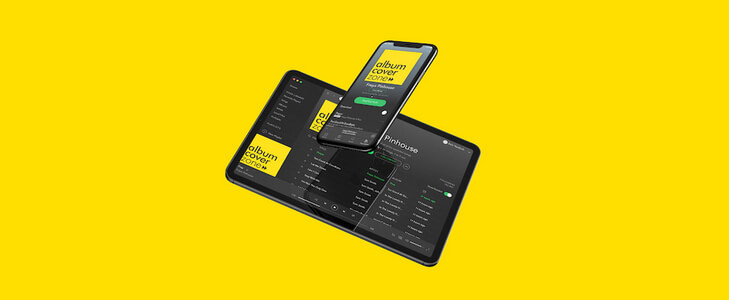
Exclusive and Authentic! Once bought, your premade album cover will never be sold again.
Choose from 1000+ premade album art designs, skip the wait—and the hassle of design. Edit titles & artist names, customize text style, position and download your exclusive, watermark-free custom album art in high resolution.
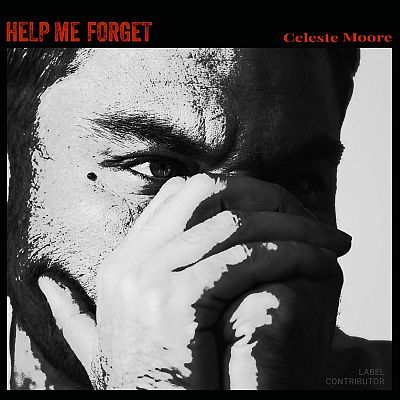
Alto #18258
$69.00
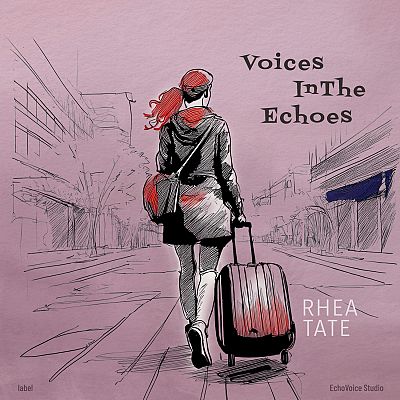
Bouquet #16931
$69.00
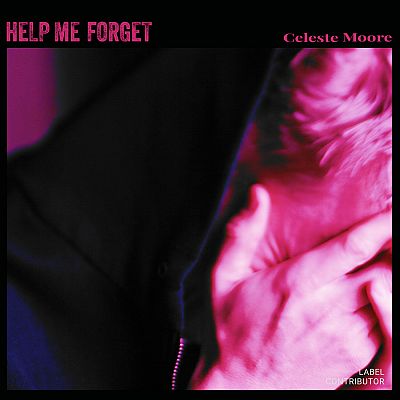
Gondola #18259
$69.00
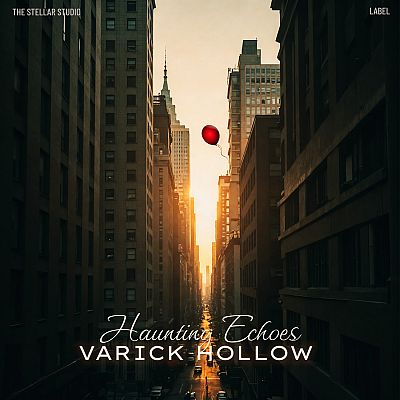
Brandy #17340
$69.00

Outer Space #11864
$69.00
How It Works
Purchase your premade album art and custom album covers in 3 simple steps.
- Choose Your Artwork
- Customize Text & Logos
- Download Instantly
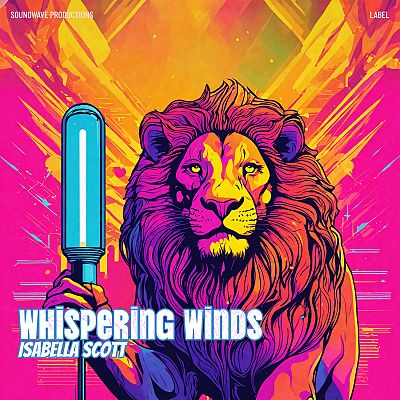
Cello #16040
$69.00
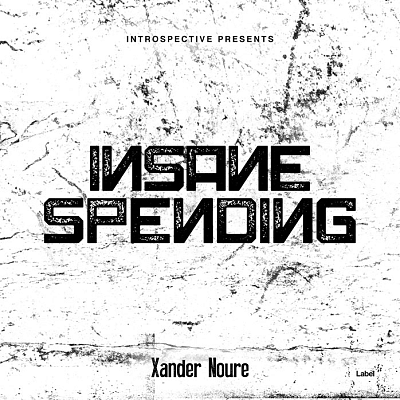
Cod Gray #4069
$69.00
Mirage #3195
$69.00

Soft Amber #3772
$69.00
Christi #2070
$69.00
Exclusive Covers
Thousands of designs, sold just once.
Instant Delivery
No waiting, unlimited modifications.
Streaming-Ready
Optimized for all major platforms.
Trusted
Used by thousands of artists worldwide.
Coffee Bean #17204
$69.00

Shadow #17527
$69.00

Wewak #17105
$69.00
Black Pearl #12163
$69.00
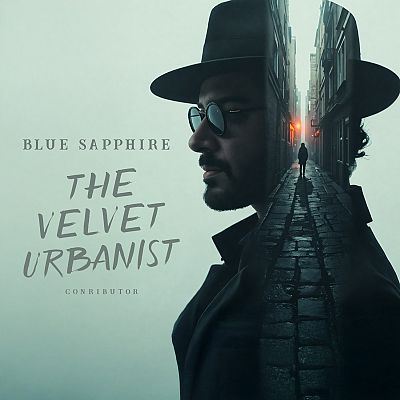
Gum Leaf #11860
$69.00

Affordable. Customizable. Exclusive. Fast! Go ahead and take your favorite custom album art for a spin!
Instantly preview your custom album covers with LiveBuild. Explore designs using your name, album title, and text before finalizing.
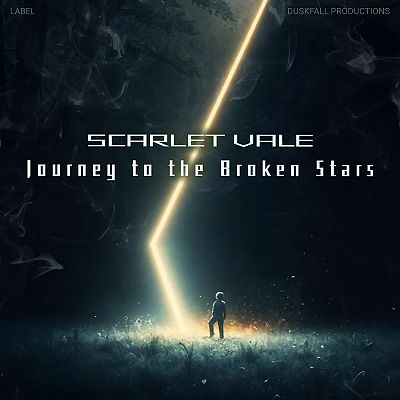
Aztec #17603
$69.00

Graphite #18251
$69.00
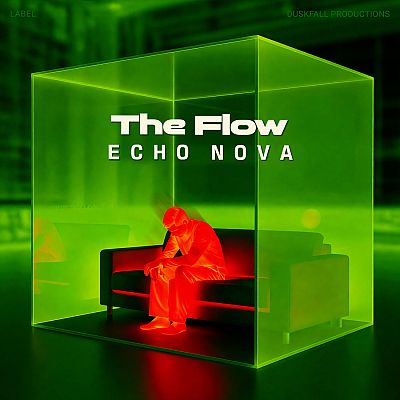
Dark Fern #18121
$69.00

Fuchsia Pink #17550
$69.00
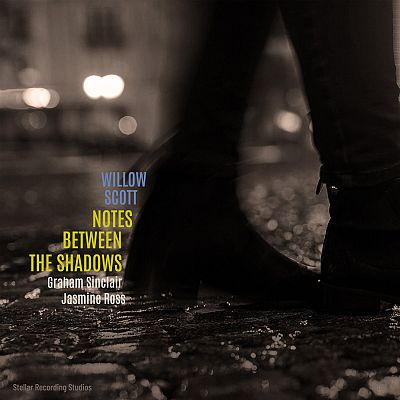
Zeus #16864
$69.00
Perfect for Promotion. Order a full cover to publish a physical copy of your custom album art
Our premade album covers work across streaming platforms and include social & print-ready designs.
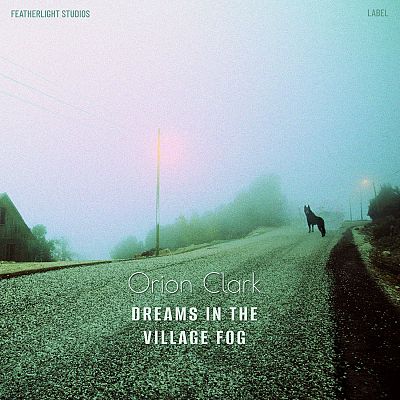
Botticelli #17192
$69.00
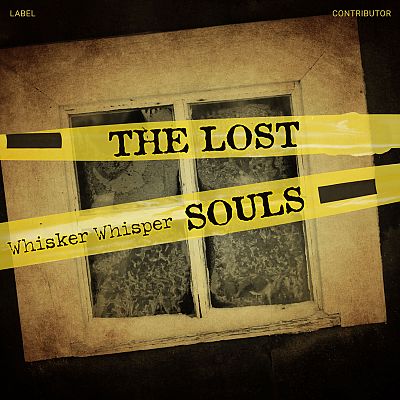
Black Marlin #18237
$69.00
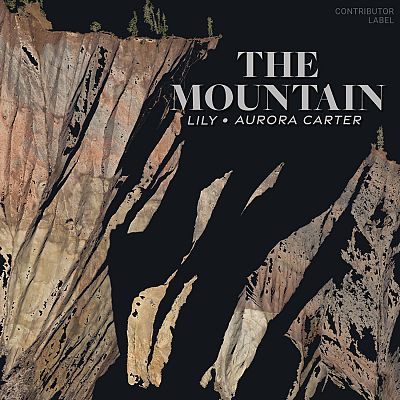
Sandrift #18245
$69.00
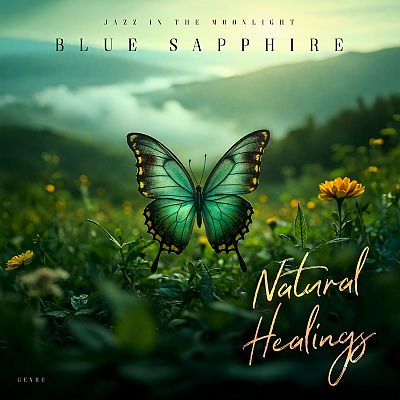
Seaweed #11877
$69.00
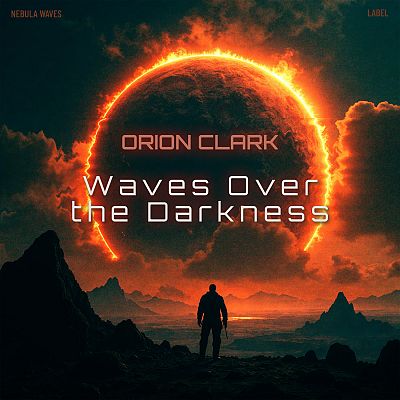
Red Damask #17209
$69.00
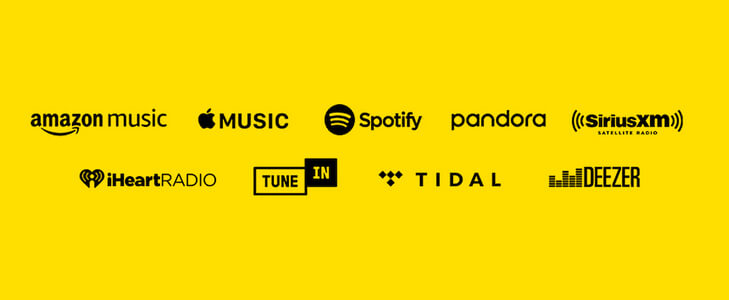
Premade Album Covers That Work Everywhere. Compatibility with all major music streaming platforms
Our custom album covers are print-ready and compatible with leading music platforms.
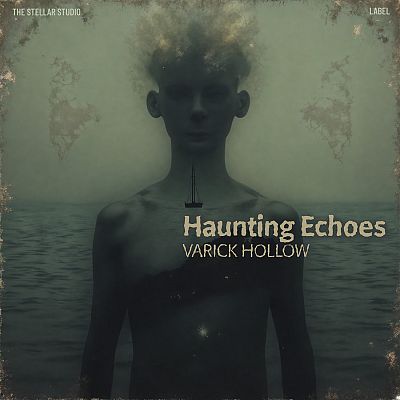
Cape Cod #17344
$69.00
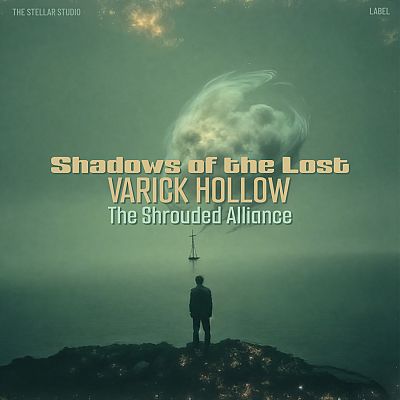
Spring Leaves #17337
$69.00
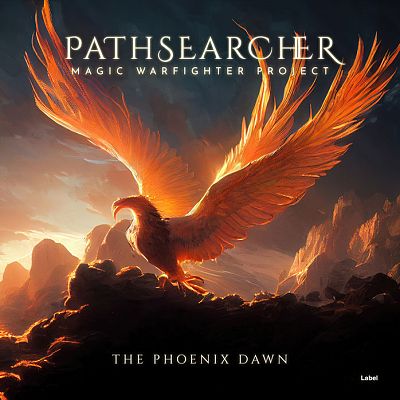
Raw Sienna #7175
$69.00

Pickled Bluewood #11761
$69.00
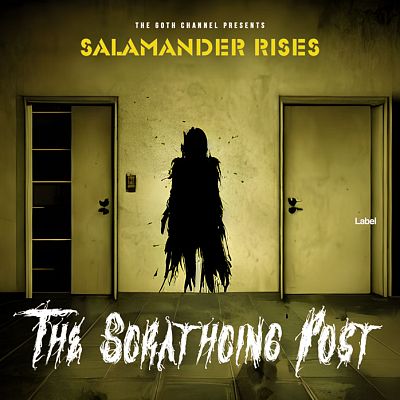
Woodrush #20378
$69.00
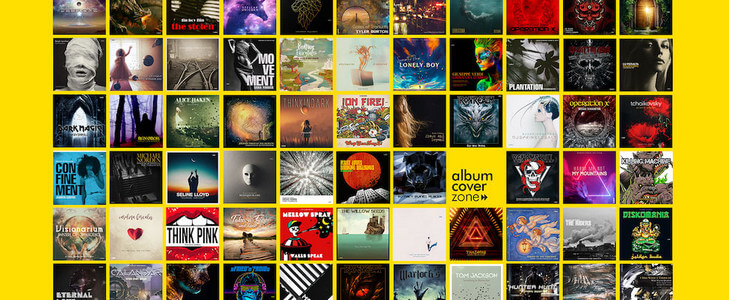
Ever Growing Collection. More than 12,000 unique premade album covers
Our team creates new designs daily. AlbumCoverZone is rapidly growing as a leading marketplace for unique premade album art. Sky's the limit!
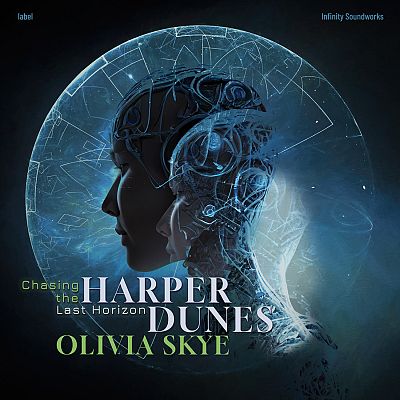
Gable Green #16944
$69.00

Catskill White #16907
$69.00
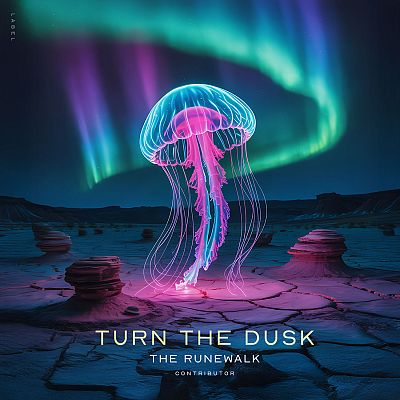
Big Stone #12205
$69.00
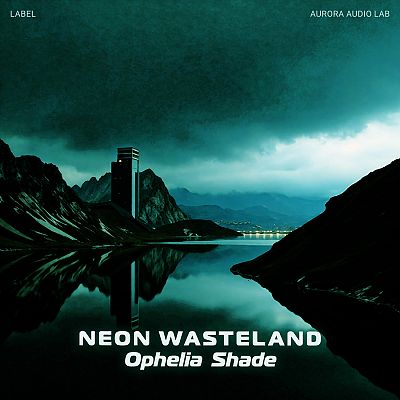
Bottle Green #17560
$69.00
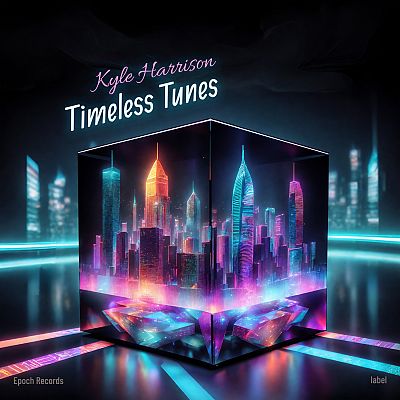
Mirage #16538
$69.00

Santa Fe #16104
$69.00
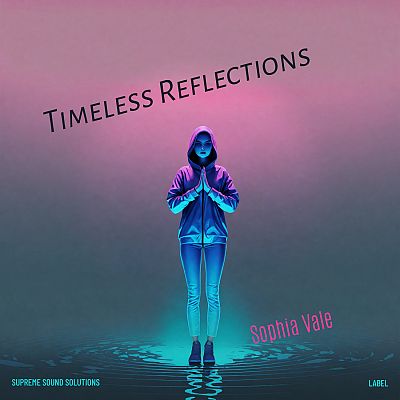
Comet #16201
$69.00
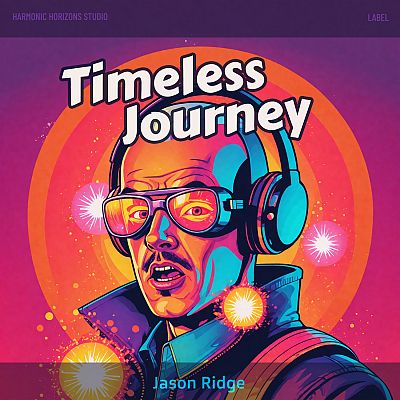
Cabaret #16136
$69.00

Buttercup #16946
$69.00

Haiti #16071
$69.00
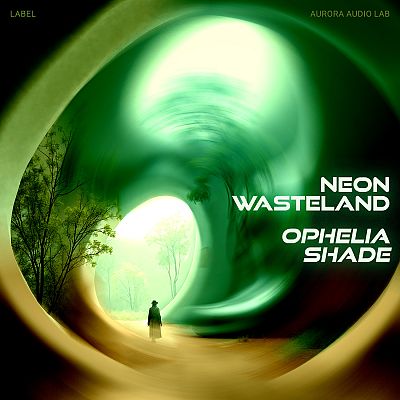
Deco #17544
$69.00
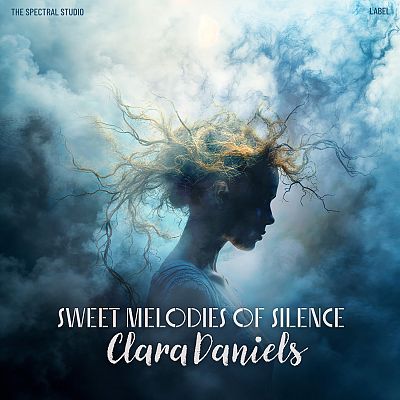
Blue Dianne #17408
$69.00
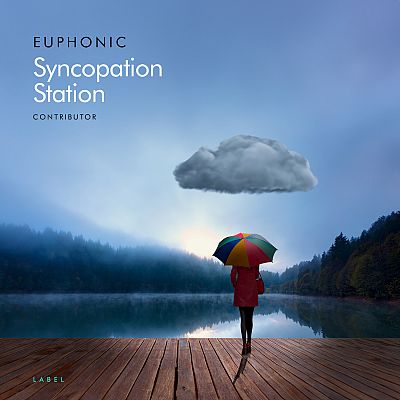
Ship Cove #11405
$69.00
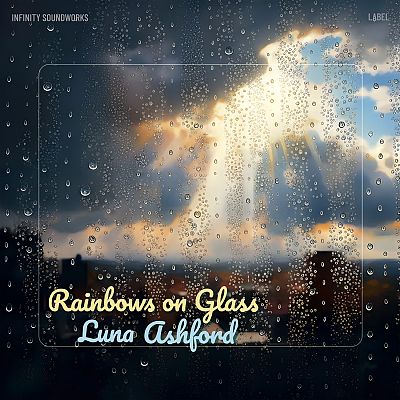
Chino #17151
$69.00
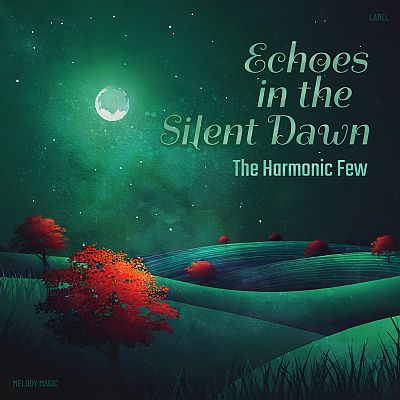
Gable Green #16720
$69.00
Latest from the Blog
Read More
May 17, 2025
Create Double Vision Effect in Photoshop
Check out this cover in the shop So, you're diving into the wild world of double vision for your album art, huh? You've got this creepy monster vibe going on – don't worry, we've all been there with our creative brainchildren! But hey, you're right, that eerie look can totally morph into something cool and expressive, like peering through the blurry veil between dreams and reality, or maybe the sonic equivalent of a head-scratching "wait, what just happened?" kind of tune. Or, you know, just the general fuzziness of a chill, spaced-out track. The musicians are the magicians here, spinning their audio tales! Now, let's peek at these image tricks you've got up your sleeve. You're spot on – there's a whole playground of ways to get that double take effect in Photoshop. First up, the "Multiply" mode! You call it simple, and you're not wrong. It's like the no-fuss, grab-and-go option for a quick visual echo. Then comes "Motion Blur," which definitely kicks things up a notch, adding this cool, drawn-out, slow-motion feel. You can really dial in the drama with that one. And ooh, the "Grain Effect in One Color Channel" – now that's where things get a little vintage and groovy! It's like your image had a wild night in the past and is still seeing double, plus you get that sweet, grainy texture. Twiddle those intensity knobs to match the musical story – I dig it! But for today's adventure, you're sticking with the "Multiply" method. Smart choice for keeping it breezy! Multiply is about applying the "Multiply" layer filter to your layers. Step 1: Duplicate the subject by selecting the subject with the selection tools(ex: Lasso Tool, Quick Selection Tool, AI Select Subject .etc.) and create a new layer from it. Step 2: Place the new layer on top of the original image layer. Apply "Multiply" layer filter to the new layer you've just created. Step 3: We are going to make adjustment now. Depends on how you want to express it, move this new layer toward left or right a little or scale it a little larger, and adjust the layer's Opacity based on the result you want. Step4: Apply the same logic and create more layer from the same subject like that. Don't forget to adjust the opacity to each layers. This is it. With multiply layer filter and opacity adjustment, it creates double vision effect easily.

May 1, 2025
16 Double Exposure Effect Covers
Everybody Loves the Double Exposure Effect! Double exposure effect covers have a way of capturing attention instantly—melding two separate images into a single, dreamlike composition. Artists and audiences are drawn to these covers because they evoke mystery, emotion, and depth at a single glance. This visual style often hints at the layers and complexity found within the music itself, suggesting that the songs tell stories that overlap, mix, and reveal hidden meanings. Whether you’re releasing indie folk, electronic, or alternative tunes, a double exposure cover sets a mood even before the first note plays, telling listeners that your sound is as intriguing and multifaceted as the art that represents it. Our latest 16 covers with double exposure effects. Double Exposure Album Covers Grid .grid-container { display: grid; grid-template-columns: repeat(4, 1fr); gap: 24px; max-width: 1000px; margin: 40px auto; padding: 10px; background: #fafafd; border-radius: 12px; } .cover-cell { background: #fff; border-radius: 10px; overflow: hidden; box-shadow: 0 2px 8px rgba(0,0,0,0.06); transition: box-shadow .2s; text-align: center; text-decoration: none; color: #222; display: flex; flex-direction: column; } .cover-cell:hover { box-shadow: 0 6px 20px rgba(60,80,200,0.15); } .cover-img { width: 100%; display: block; aspect-ratio: 1 / 1; object-fit: cover; background: #e8e8e8; } .cover-caption { font-family: 'Segoe UI', Arial, sans-serif; padding: 10px 4px; font-size: 1rem; font-weight: 500; letter-spacing: 0.01em; background: #f7f8ff; } Conch #11752 Moon Mist #11750 Bunker #11792 Oxford Blue #11785 Outer Space #11784 Japonica #11779 Outer Space #11776 Pickled Bluewood #11775 Tana #11772 Pickled Bluewood #11761 Cameo #11763 Lynch #11764 Japonica #17409 BlueDianne #17408 ElPaso #17110 Scorpion #17077
March 26, 2024
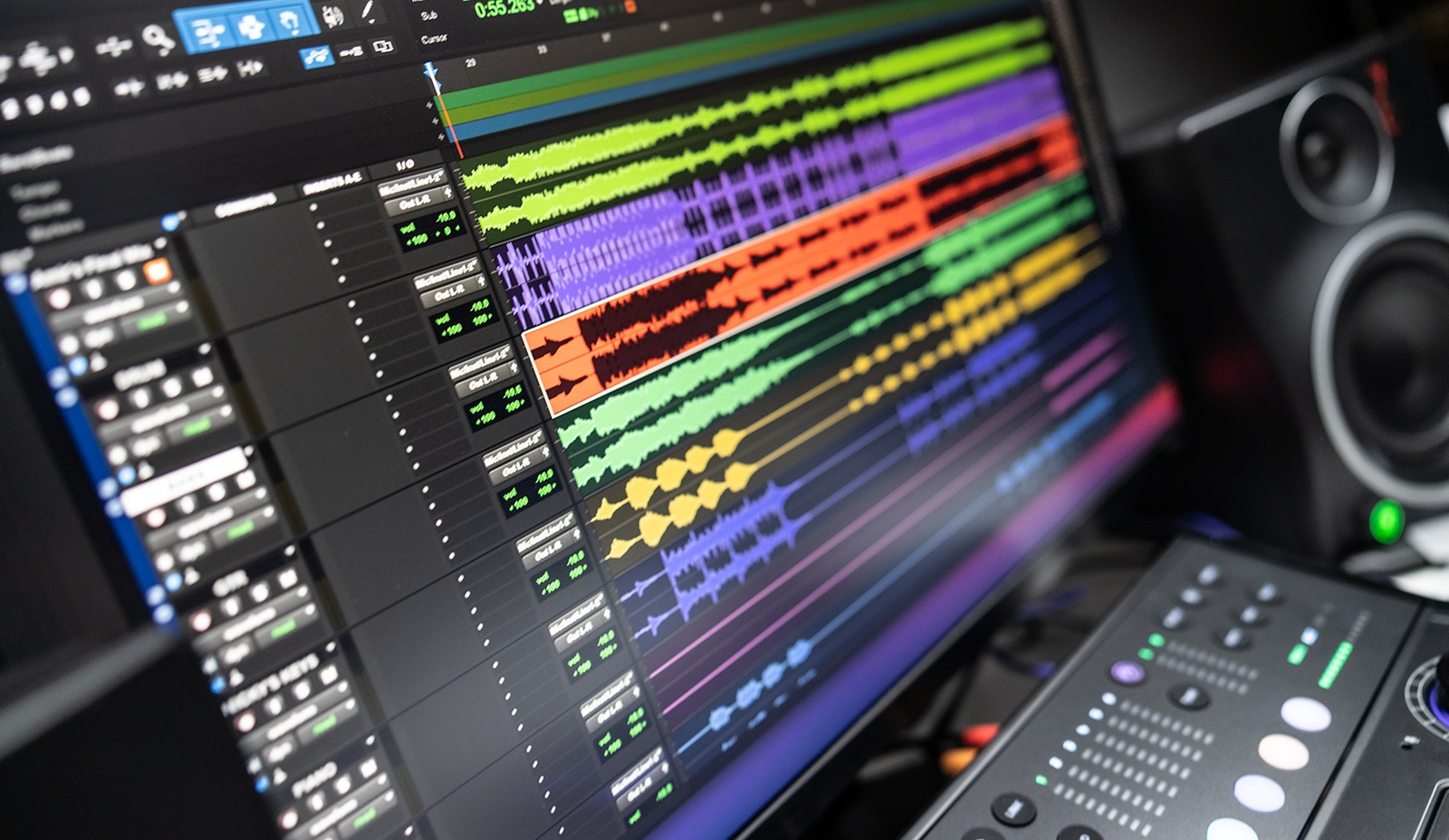
Sound Evolution: The Story of the World's First Digital Audio Workstation
The story of the first Digital Audio Workstation (DAW) is an intriguing journey through the evolution of music technology. The consensus among historians and technologists is that the British company, Soundstream, which was founded by Thomas Stockham, a professor from the University of Utah, developed the very first digital recording system in the late 1970s. This system wasn't a DAW in the modern sense, but it was a crucial stepping stone towards the development of modern DAWs. Stockham, known as a pioneer of digital audio, used a computer to record sound on a digital tape, marking the first time a computer was used for sound editing and processing. The Soundstream system, although revolutionary, was primarily a digital tape recording system with basic editing features, such as cut, copy, and paste, which were operations performed with a digital representation of the audio signals. The journey from Soundstream's digital recording system to the first true DAW involves another significant development - the Fairlight CMI (Computer Musical Instrument), released in 1979. The Fairlight CMI was more of a digital sampler and synthesizer than a comprehensive DAW, but its ability to sample sounds, along with a rudimentary sequencer and a digital synthesizer, laid the foundation for the integration of computers in music production. However, the title of the first true DAW is widely credited to the Sound Tools system, introduced by Digidesign in 1989. Sound Tools was a computer-based system that allowed direct-to-disk recording and stereo editing. Running on the Macintosh platform, Sound Tools offered a graphical user interface that allowed users to visually manipulate audio waveforms. This was a revolutionary development, as it provided an unprecedented level of control over audio editing and production, shifting the paradigm from linear tape-based editing to non-linear, non-destructive editing on a computer. This innovation by Digidesign paved the way for the Pro Tools system, released in 1991, which expanded upon Sound Tools by offering multi-track recording and further advanced editing features. Pro Tools is often considered synonymous with the modern concept of a DAW, providing a comprehensive suite of tools for recording, editing, mixing, and mastering audio within a single software environment. The development of the first DAW is a cornerstone in the history of music production, marking the transition from analogue to digital, and from physical to virtual tools. This technological evolution has democratized music production, making it accessible to a broader range of artists and producers, and has forever changed the landscape of the music industry.